Describe what you remember
Search for a scene or subject in your images and supported videos. Filename matches appear alongside visual results.
Search your folders by filename or describe what you're looking for. FileCabinet processes your media on your computer and keeps the originals where they are.
Free preview. You can start without an account.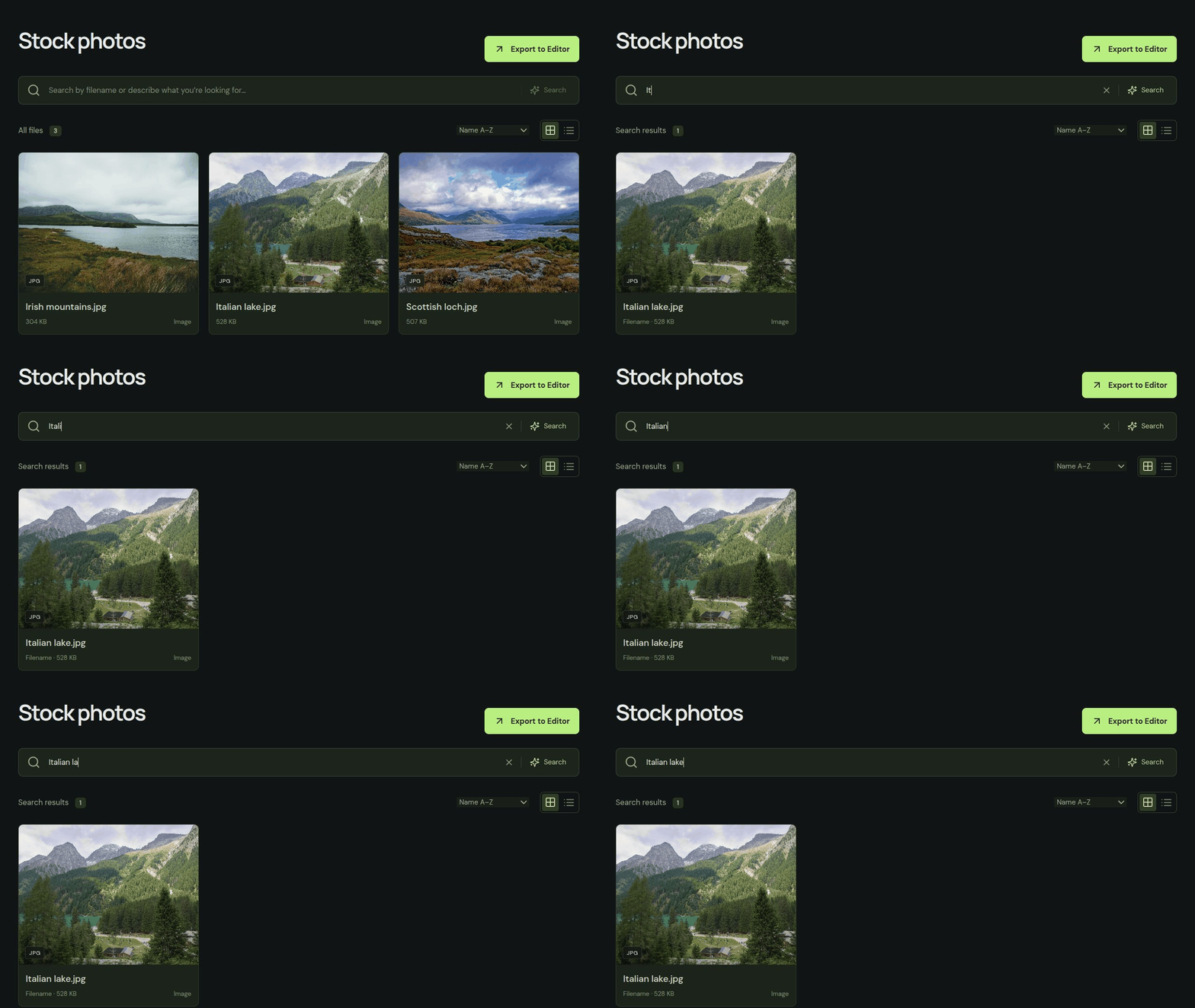
Search for a scene or subject in your images and supported videos. Filename matches appear alongside visual results.
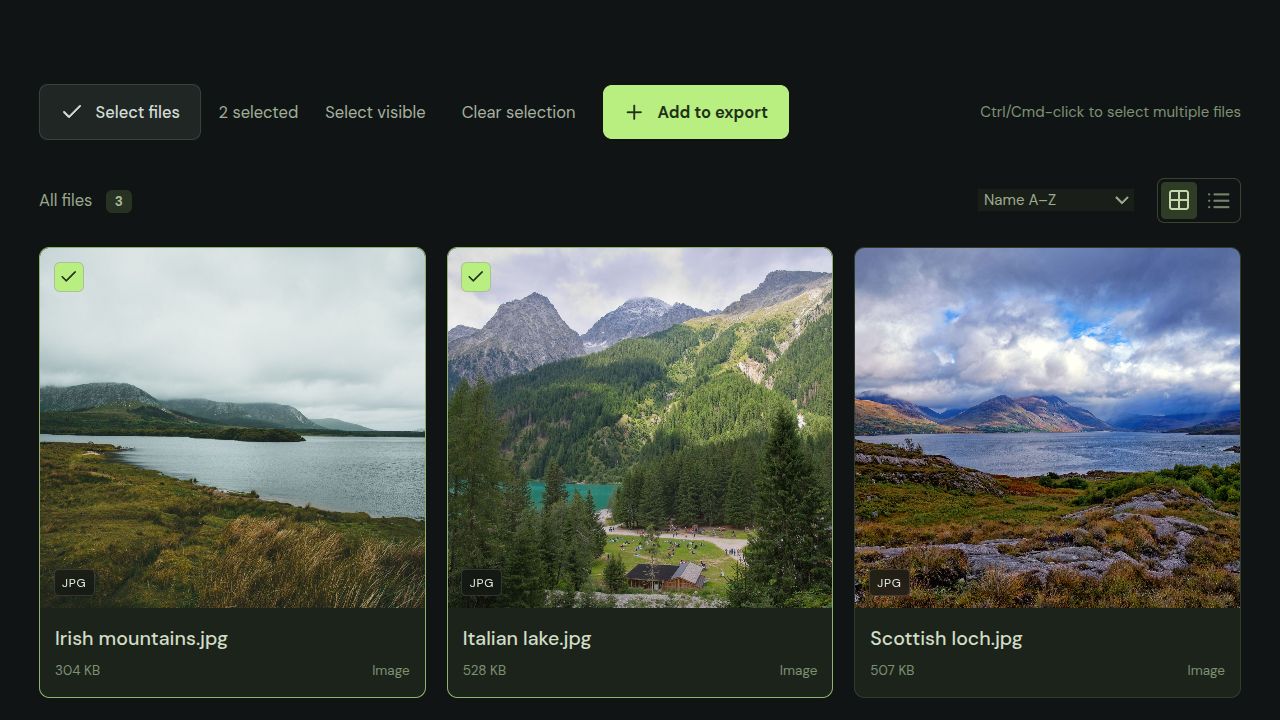
Browse suggested collections and save searches you use often. Export your catalog as a backup, or import it on another computer and reconnect the same folder.
Each project starts with a folder. Choose the files you want to work with, on your computer or an external drive.
Your browser downloads the search model and processes images and supported videos on your device. Larger folders take longer to index.
Type a filename or a description to find matching files. Save a search when you want to return to it.
First use downloads about 1.5 GB of model files. Your browser caches them for later, but may remove the cache when it needs space.
Chrome or Edge is recommended for reconnecting local folders.
Your catalog stays in this browser. Supported browsers can also save a backup in your media folder. Keep a separate export before clearing site data.
No. FileCabinet reads the files you select and processes them on your computer. The originals stay in their folders.
It searches images and sampled frames from supported videos. A video match shows the time of the matching frame. Brief moments between samples can be missed. Other files can still appear in filename searches.
The catalog stays in the same browser unless its site data is cleared or removed. You may need to give FileCabinet access to your folder again. Export a catalog backup if you want to keep a separate copy.
Keep the .filecabinet backup folder with your media. On another computer, reconnect that folder to restore compatible search data. You can also export and import a catalog manually. Model files are downloaded separately on each browser.
Open the dashboard and create your first project.
Dashboard